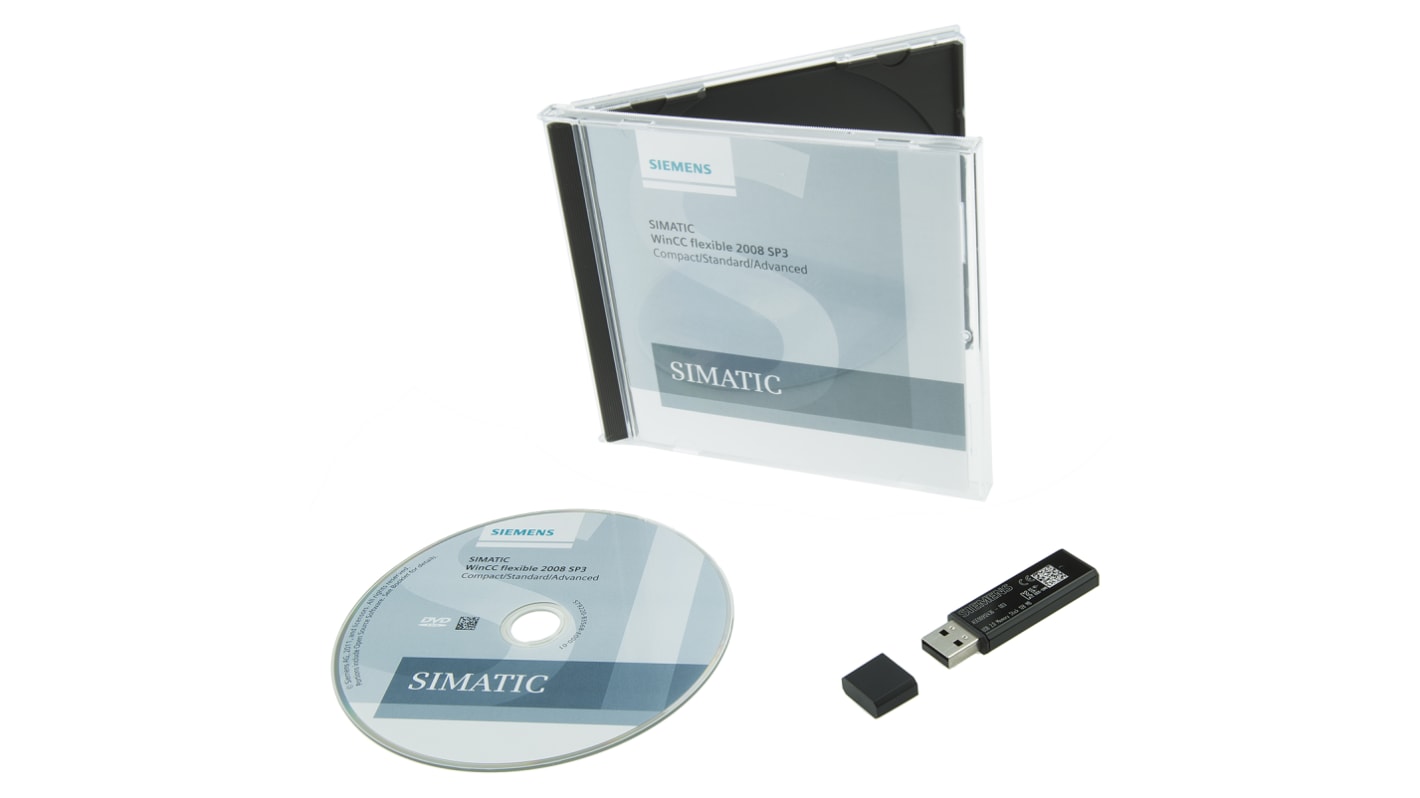
Siemens Software WINCC FLEXIBLE 2008 For Use With HMI SIMATIC Panels
- RS Stock No.:
- 688-9180
- Mfr. Part No.:
- 6AV6611-0AA51-3CA5
- Manufacturer:
- Siemens
Unavailable
RS will no longer stock this product.
- RS Stock No.:
- 688-9180
- Mfr. Part No.:
- 6AV6611-0AA51-3CA5
- Manufacturer:
- Siemens
Specifications
Product overview and Technical data sheets
Legislation and Compliance
Product Details
Find similar products by selecting one or more attributes.
Select all | Attribute | Value |
|---|---|---|
| Brand | Siemens | |
| Accessory Type | Software | |
| For Use With HMI | SIMATIC Panels | |
| Software Version | WINCC FLEXIBLE 2008 | |
| Select all | ||
|---|---|---|
Brand Siemens | ||
Accessory Type Software | ||
For Use With HMI SIMATIC Panels | ||
Software Version WINCC FLEXIBLE 2008 | ||
RoHS Status: Exempt
- COO (Country of Origin):
- DE
WinCC flexible
WinCC flexible Micro*:
Micro Panels: OP73micro, TP170micro, TP177micro
WinCC flexible Compact:
Micro Panels: OP73micro, TP170micro, TP177microMobile Panels: Mobile Panel 17770 Series Panels: OP73, OP77A, OP77B170 Series Panels: TP170A, TP177A, TP170B, TP177B, OP170B, OP177BC7 devices: C7-635 (Touch), C7-635 (Key)
Note
*WinCC flexible Micro software is suitable for use with Siemens Micro Panels only. WinCC flexible Compact software is suitable for Siemens Micro Panels, 70 Series Panels, 170 Series Panels and C7 devices. Software and documentation is provided on a DVD.
Siemens Software, WINCC FLEXIBLE 2008 Software Version, HMI SIMATIC Panels Compatibility - 6AV6611-0AA51-3CA5
This software is a comprehensive engineering solution designed for configuring SIMATIC Panels, specifically tailored for professionals in the industrial automation sector. The product includes a floating licence provided on a USB flash drive, along with software and documentation available on a DVD in multiple languages. It is compatible with Windows 7 (Prof/Ultimate/Enterprise 32/64) and Windows 10 Pro/Enterprise (64), catering to various user requirements.
Features & Benefits
• Facilitates efficient operator control and monitoring processes
• Incorporates an alarm system with buffering and acknowledgment features
• Provides robust report and log system capabilities
• Enables user archive and recipe management for ease of use
• Incorporates an alarm system with buffering and acknowledgment features
• Provides robust report and log system capabilities
• Enables user archive and recipe management for ease of use
Applications
• Ideal for configuring HMI solutions in industrial environments
• Utilised in creating advanced operator interfaces for SIMATIC Panels
• Streamlines complex automation tasks with intuitive programming interfaces
• Supports integration with various Siemens automation tools
• Utilised in creating advanced operator interfaces for SIMATIC Panels
• Streamlines complex automation tasks with intuitive programming interfaces
• Supports integration with various Siemens automation tools
What are the minimum hardware requirements to run this software effectively?
The software requires a processor with a minimum cycle frequency of 1.6GHz and at least 1GB of main memory to function efficiently, ensuring smooth operation during configuration tasks.
How many configuration languages does this software support?
It supports 32 configuration languages, enabling users to work in their preferred language and enhancing accessibility for diverse teams across global operations.
Can this software integrate user-defined scripts?
Yes, it allows for the utilisation of Visual Basic scripts, providing flexibility for custom applications and extensions tailored to specific user needs.
Is there any online configuration capability available?
The software does not support online configuration, which may necessitate offline planning for projects before deployment in live environments.
Siemens SIMATIC Software
The SIMATIC WinCC Flexible software is an integrated family of tools for configuring the SIMATIC HMI operator units. The uniformity of configuration software reduces training, maintenance and updating requirements . Minimisation of configuration requirements through repeated use of scalable, dynamic objects.,Intelligent tools for simple and efficient configuration:,Wizard for definition of basic structure for an HMI project.,Table based editors simplify the generation and processing of objects of the same type.,Graphic configuration simplifies complex tasks such as the definition of trajectories or the generation of fundamental operator prompting.
Related links
- Siemens Software For Use With HMI SIMATIC Comfort/Mobile Panels, PLC SIMATIC S7
- Siemens Software For Use With HMI SIMATIC HMI Operator Panels, PLC SIMATIC S7
- Siemens Software For Use With HMI SIMATIC Basic Panels, PLC SIMATIC S7
- Siemens Software V7.5 SP2 For Use With HMI Siemens SIMATIC WinCC Powerpack RT 65536/102400, PLC SIMATIC S7
- Siemens Software V7.5 SP2 For Use With HMI SIMATIC HMI, PLC SIMATIC S7
- Siemens Software Basic/PRO 18.4m For Use With HMI SIMATIC HMI Operator Panel
- Siemens Software V17 For Use With HMI SIMATIC, PLC SIMATIC S7
- Siemens Software V7.5 For Use With HMI SIMATIC, PLC SIMATIC S7
